
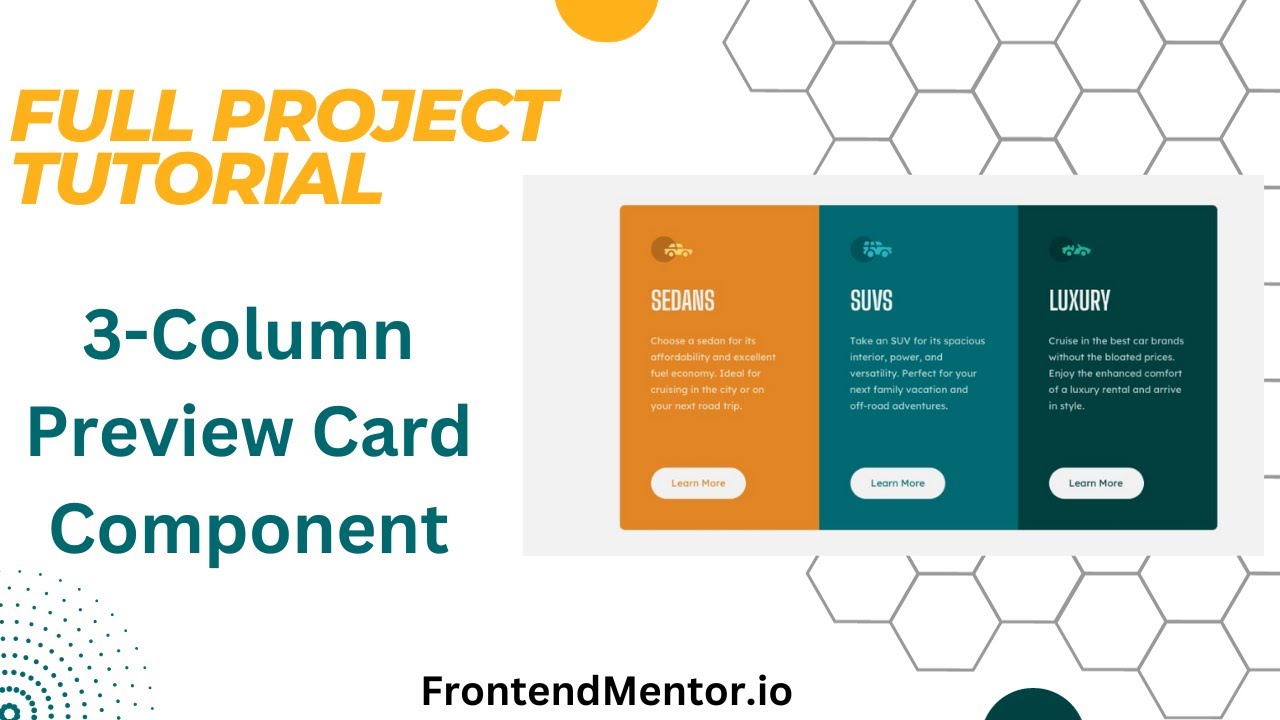
The 3-Column Preview Card Component is a popular beginner challenge from Frontend Mentor. In this tutorial, we build it step-by-step using only HTML and CSS—no frameworks, no fluff. You’ll practice layout, typography, and responsive design, and finish with a polished, portfolio-ready project.
Watch the Full Tutorial
What You’ll Learn
- How to structure a web page with HTML
- Modern CSS Layout
- How to Add Google Fonts to a web page
- How to make a page responsive with media queries
Resources
Here are the resources needed to build this page including the finished project Github repo.
Frontend Mentor Challenge: https://www.frontendmentor.io/challenges/3column-preview-card-component-pH92eAR2-
Live Site: https://silly-platypus-7bc6e0.netlify.app/
GitHub Repo: https://github.com/Practical-Web-Dev/3-column-rental-car-layout
Sharpen Your Skills
Small projects like the 3-Column Preview Card Component sharpen the fundamental skills of web development.
They teach you how to write clean HTML, scalable CSS, and how to make websites responsive while completing a small scale project.
Ready to Become a Full Stack Developer?

Want to go beyond small challenges and learn to build full-stack apps with HTML, CSS, JavaScript, PHP, and MySQL? Check out my Complete Web Developer Course: https://completewebdevcourse.com/