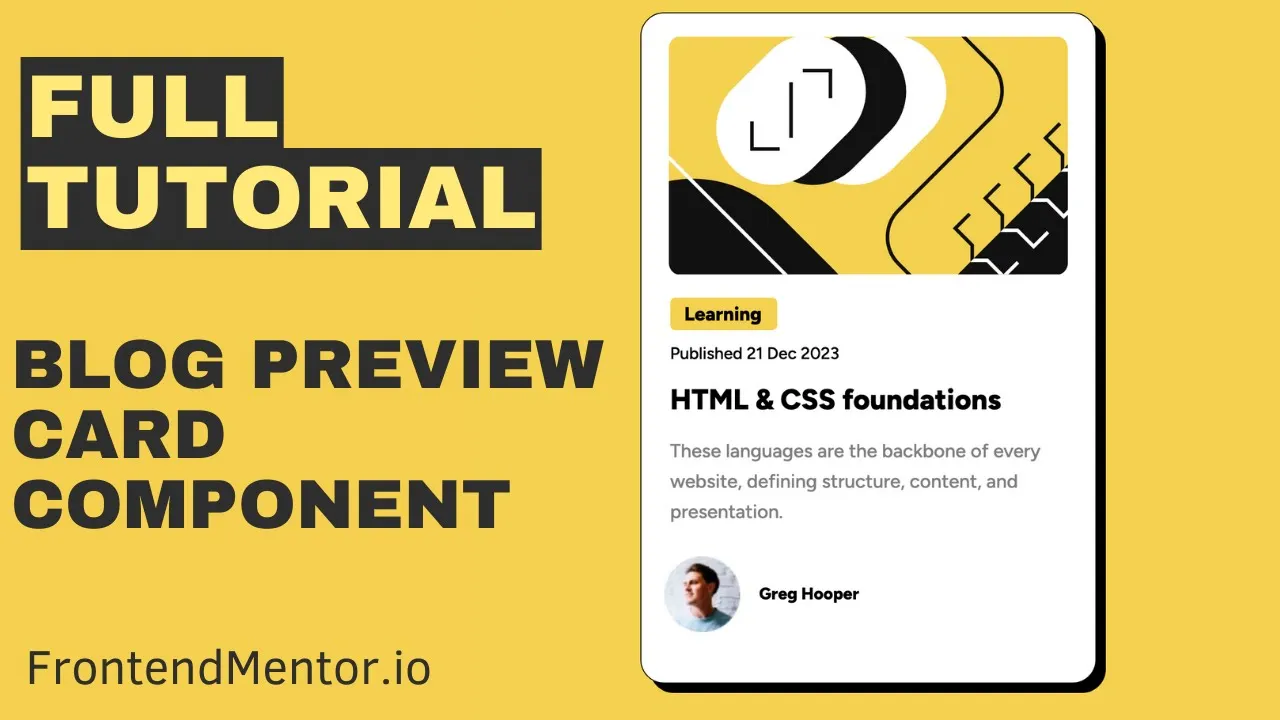
The Blog Preview Card is a popular beginner challenge from Frontend Mentor. In this tutorial, we build it step-by-step using only HTML and CSS—no frameworks, no fluff. You’ll practice layout, typography, and responsive design, and finish with a polished, portfolio-ready project.
Watch the Full Tutorial
What You’ll Learn
- How to structure a web page with HTML
- Modern CSS Layout
- How to Add Google Fonts to a web page
- How to make a page responsive with media queries
Resources
Here are the resources needed to build this page including the finished project Github repo.
Frontend Mentor Challenge: https://www.frontendmentor.io/challenges/blog-preview-card-ckPaj01IcS
Live Site: https://gleeful-alpaca-283558.netlify.app/
GitHub Repo: https://github.com/Practical-Web-Dev/blog-preview-card
Sharpen Your Skills
Small projects like the Blog Preview Card sharpen the fundamental skills of web development.
They teach you how to write clean HTML, scalable CSS, and how to make websites responsive while completing a small scale project.
Ready to Become a Full Stack Developer?
Want to go beyond small challenges and learn to build full-stack apps with HTML, CSS, JavaScript, PHP, and MySQL? Check out my Complete Web Developer Course: https://completewebdevcourse.com/